 Path to Pin
Every round, every first, kept.
The golf diary for parents of junior golfers. On iPhone and Apple Watch.
Coming to the App Store soon
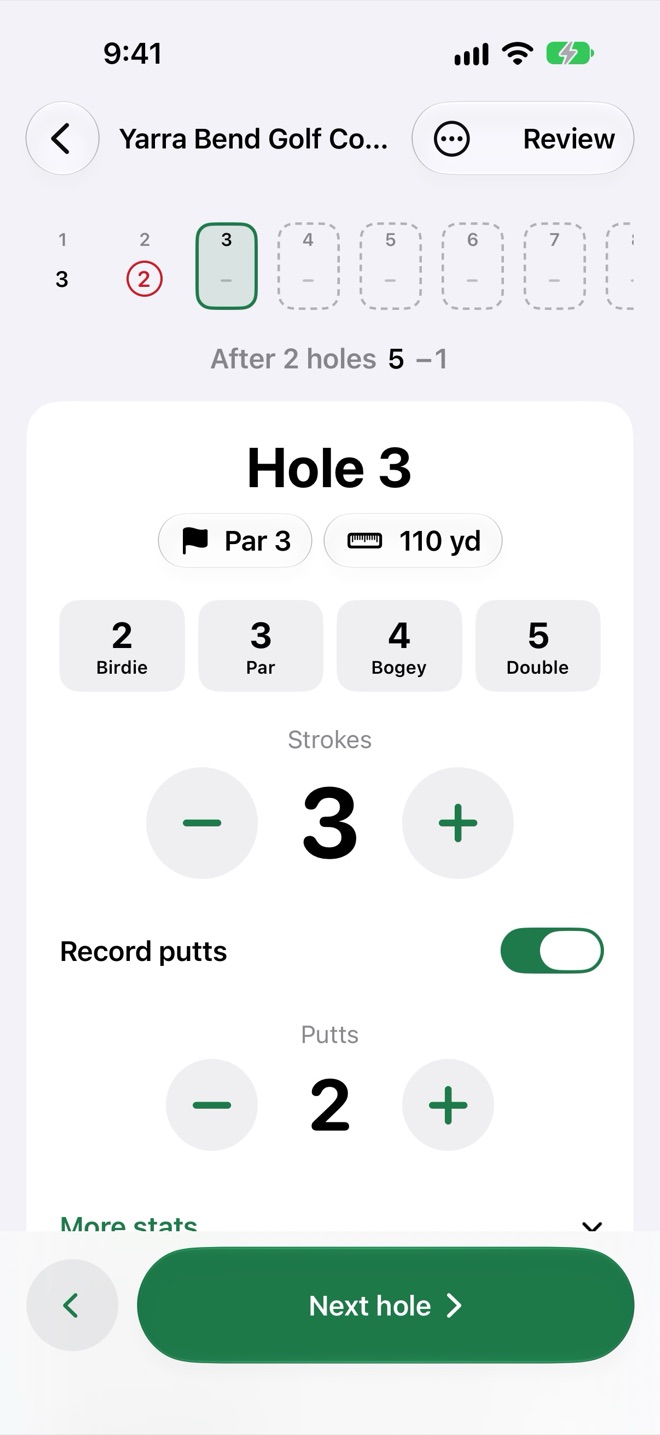
Score as you walk the course.
One tap for a birdie, a par or a bogey, then Next hole. Switch on Record putts to count putts as well. A running total keeps count, and a round left half-way waits for you.
On your wrist and your Lock Screen.
The round in progress shows on the Lock Screen and on Apple Watch as you score. With Path to Pin Plus, enter each hole on the watch, strokes and putts for up to four players, and keep the phone in your pocket.


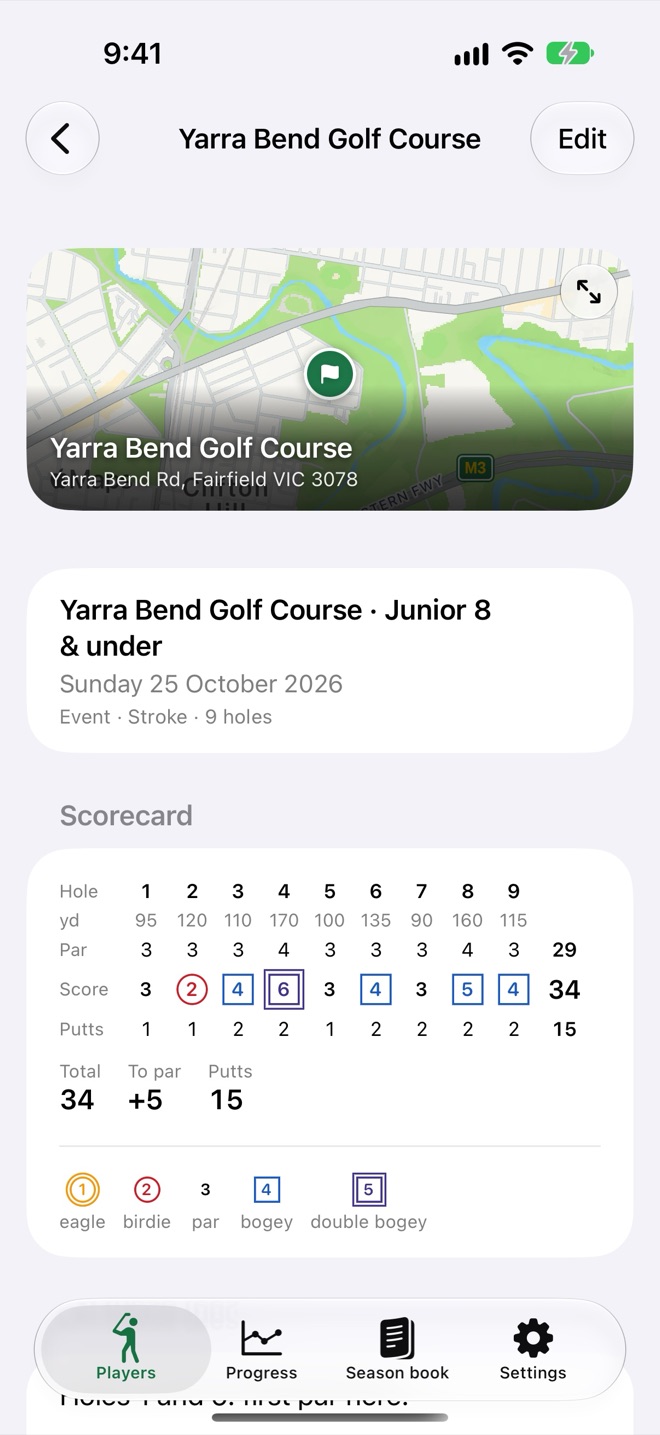
Every round, kept like a scorecard.
The course on the map, the card with every hole, putts if you count them, and an event's division and finish. Add a course by taking a photo of its scorecard: the pars and lengths fill in on your iPhone.
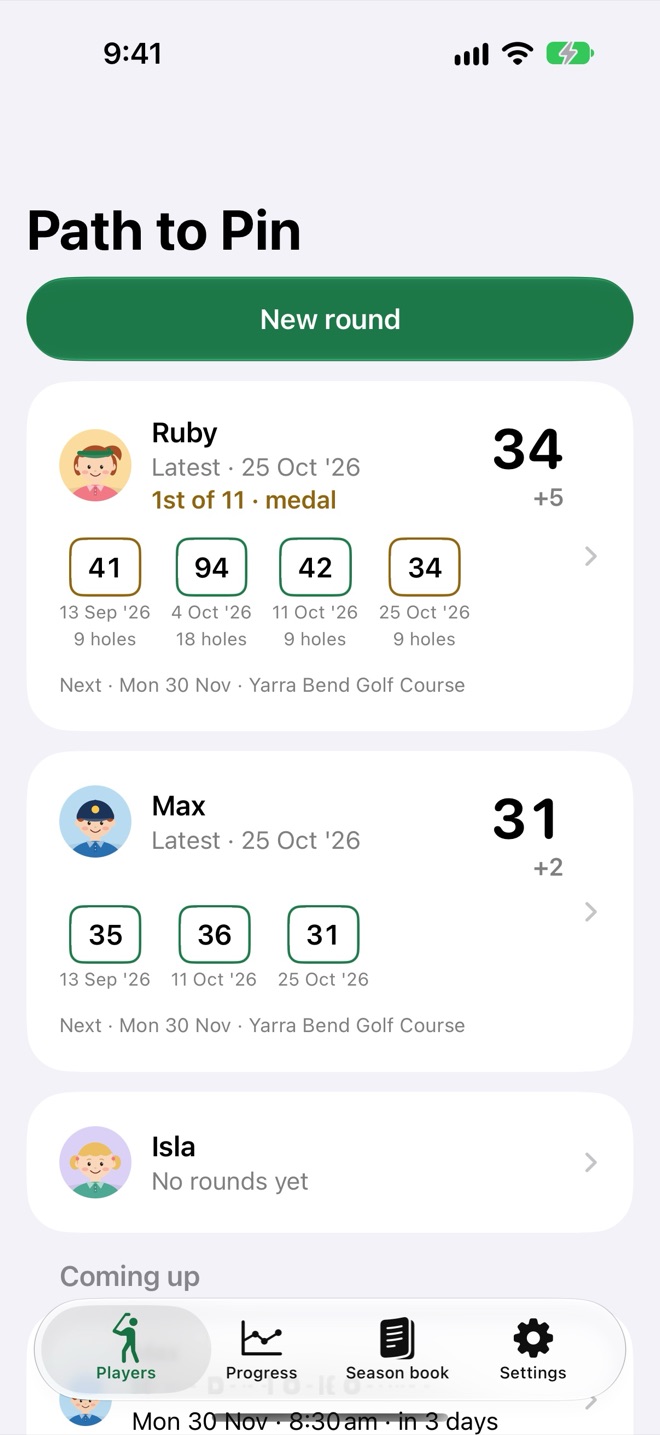
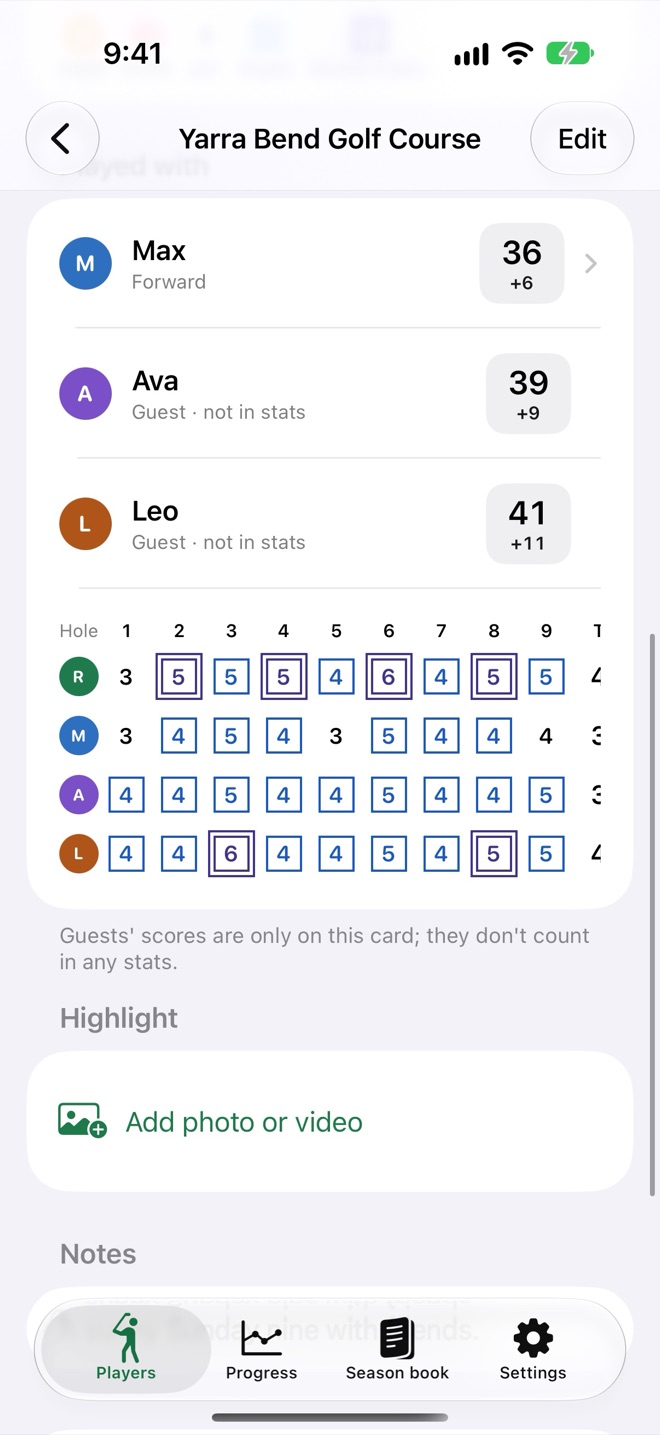
Brothers, sisters and friends.
Add each child who plays: each gets their own page, badges and season, and Home shows everyone's latest round and next tee time, side by side, never ranked. Playing together? Score up to four on one card. A brother or sister gets the round in their own diary; a friend joins as a guest, on the card only and never in anyone's stats.
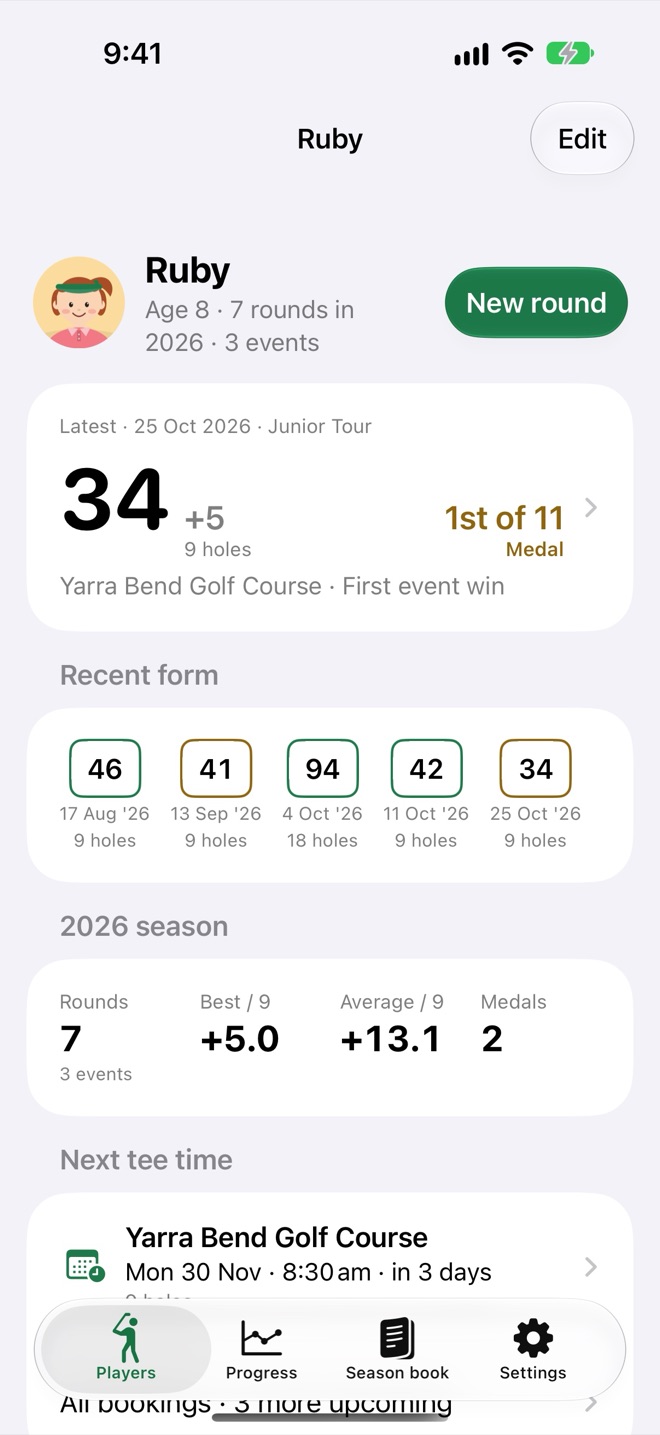
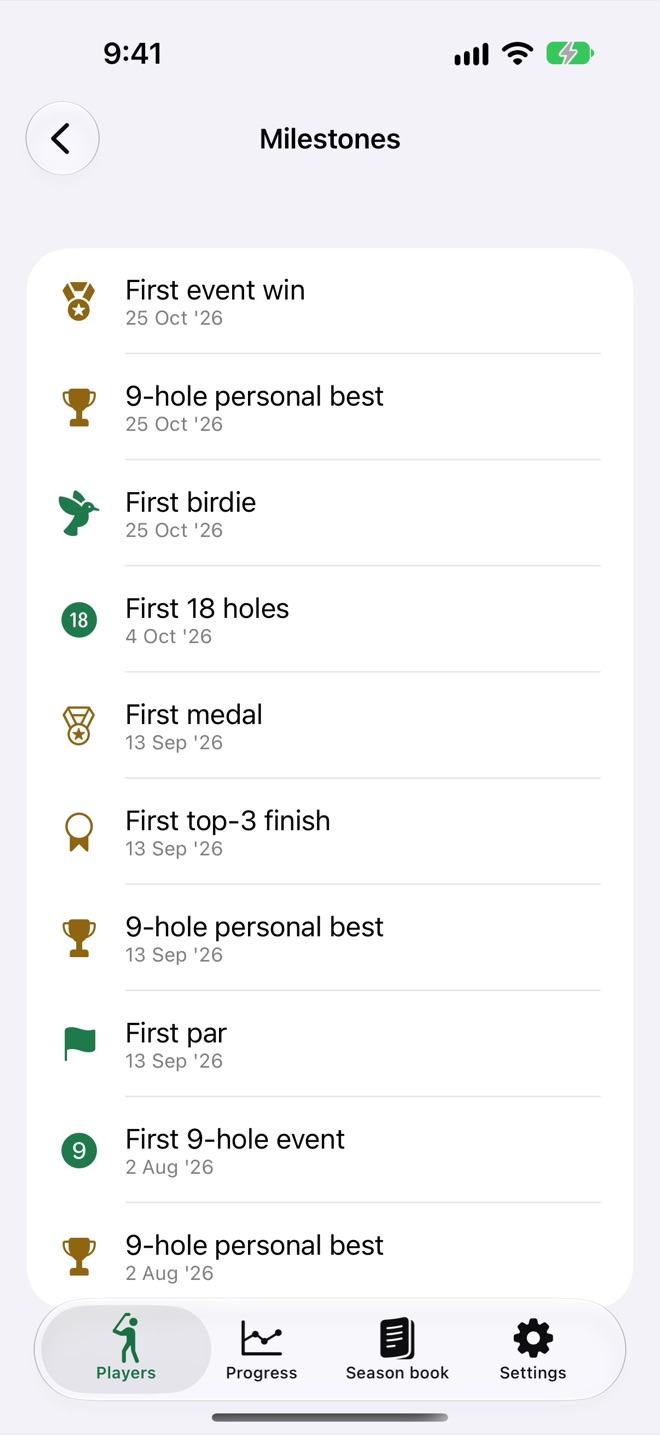
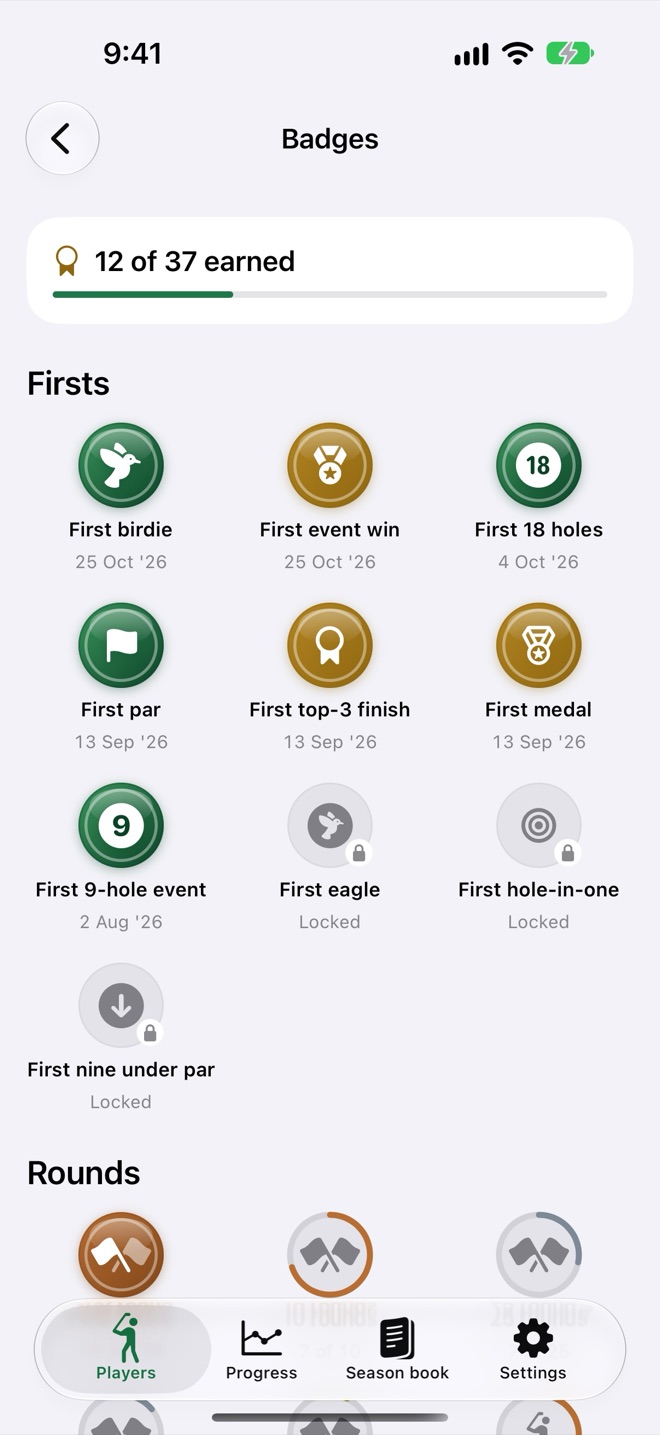
The firsts worth remembering.
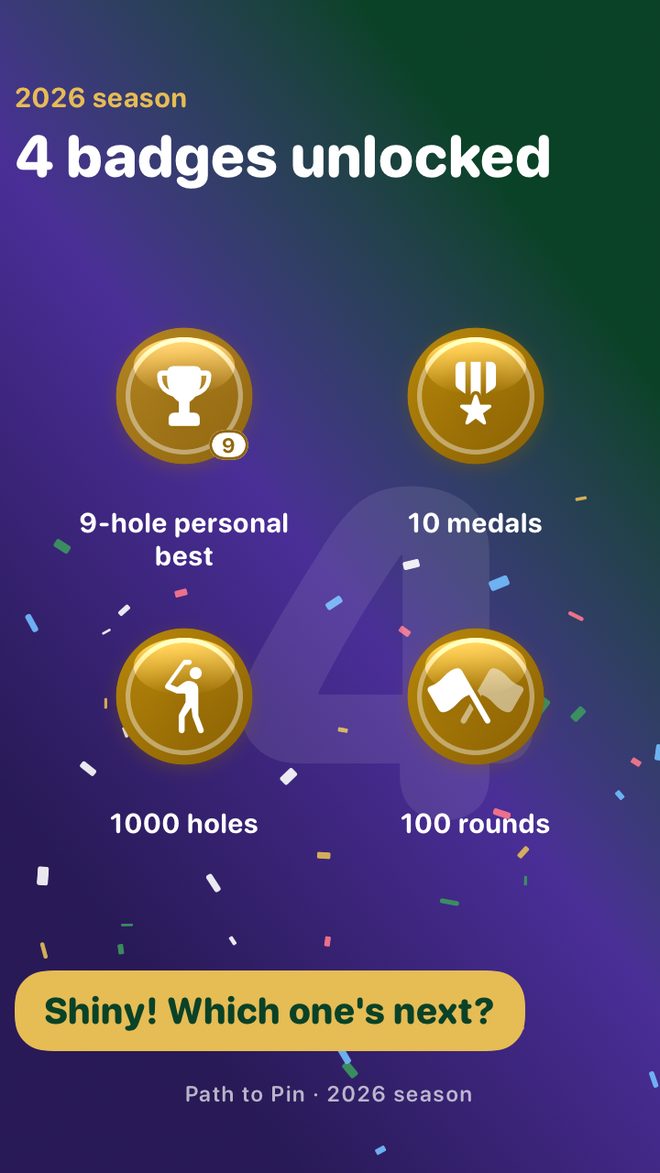
A first par, a first birdie, a best score for 9 holes, a first event, a first medal. Path to Pin notices them by itself, and badges collect along the way.
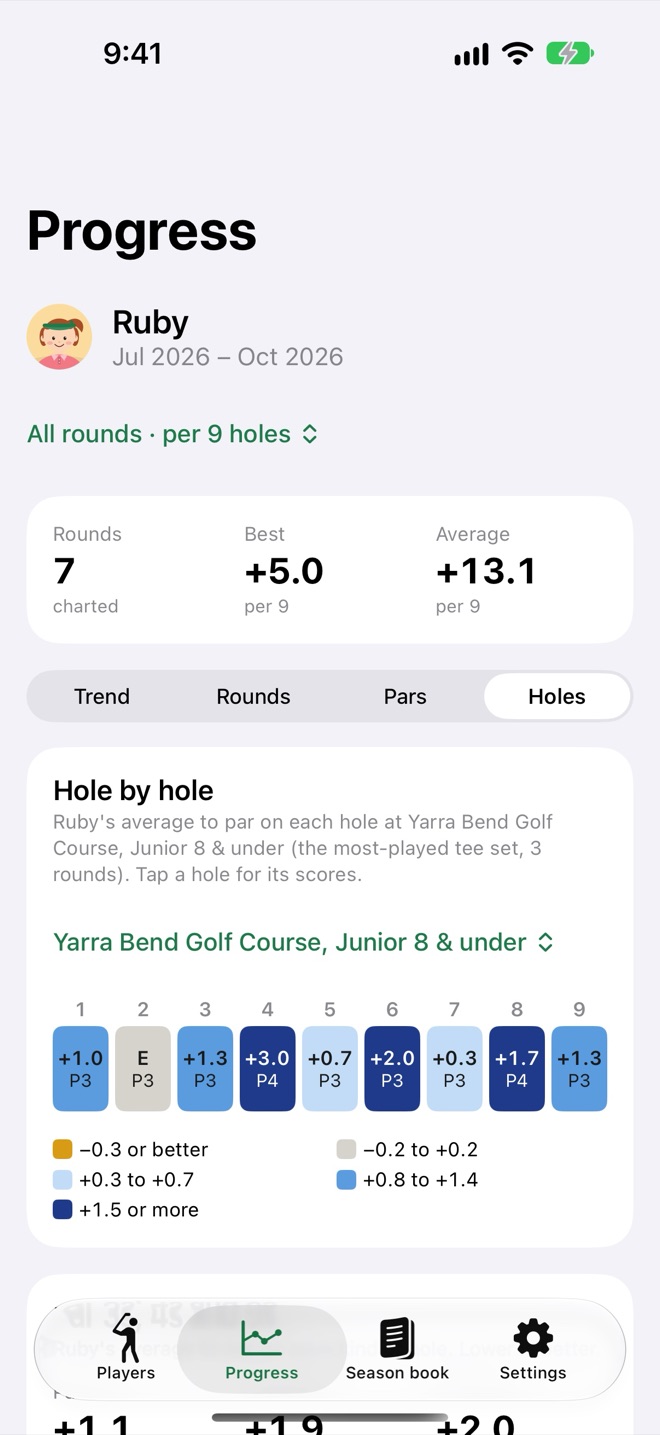
See how far they've come.
Rounds of 9 and 18 holes on one chart, compared per 9 holes. Their trend, pars or better, and how each hole of their home course goes.
The next tee time, never missed.
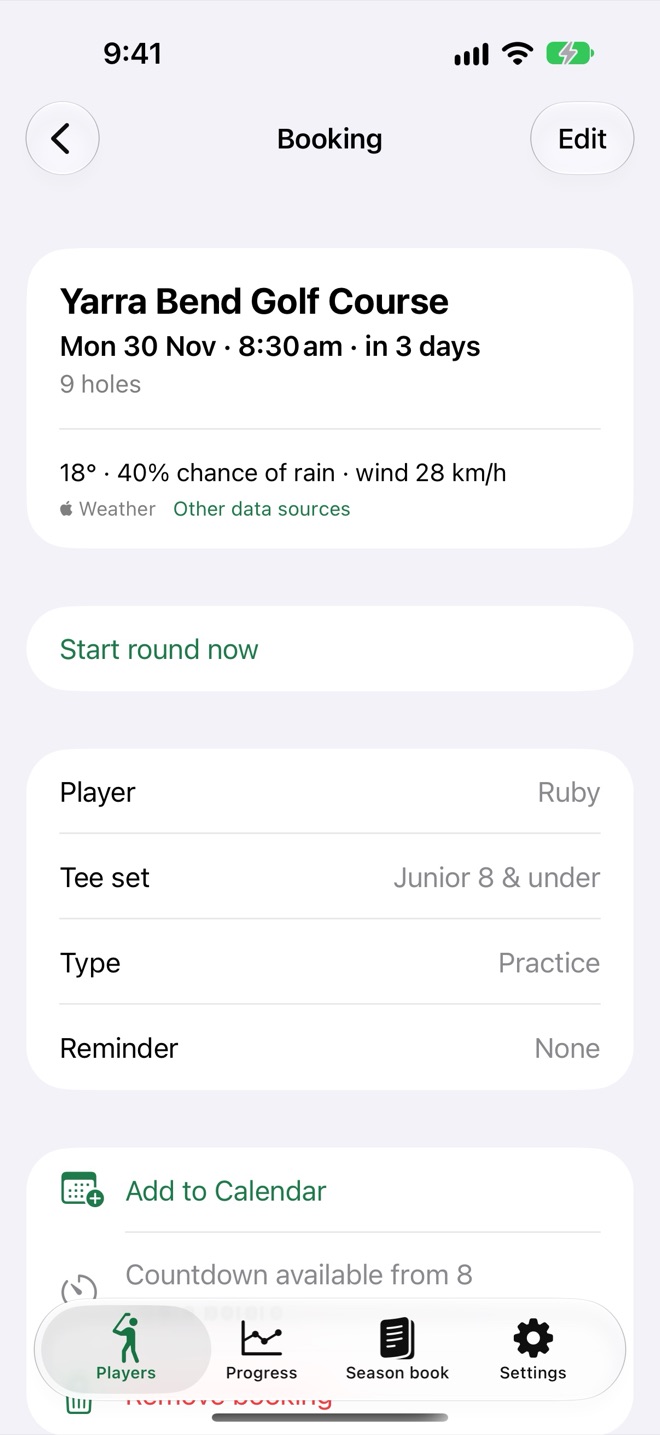
Save a booking with a reminder. With Path to Pin Plus, see the forecast for the tee time and put a countdown on the Lock Screen.
Their season, as a story.
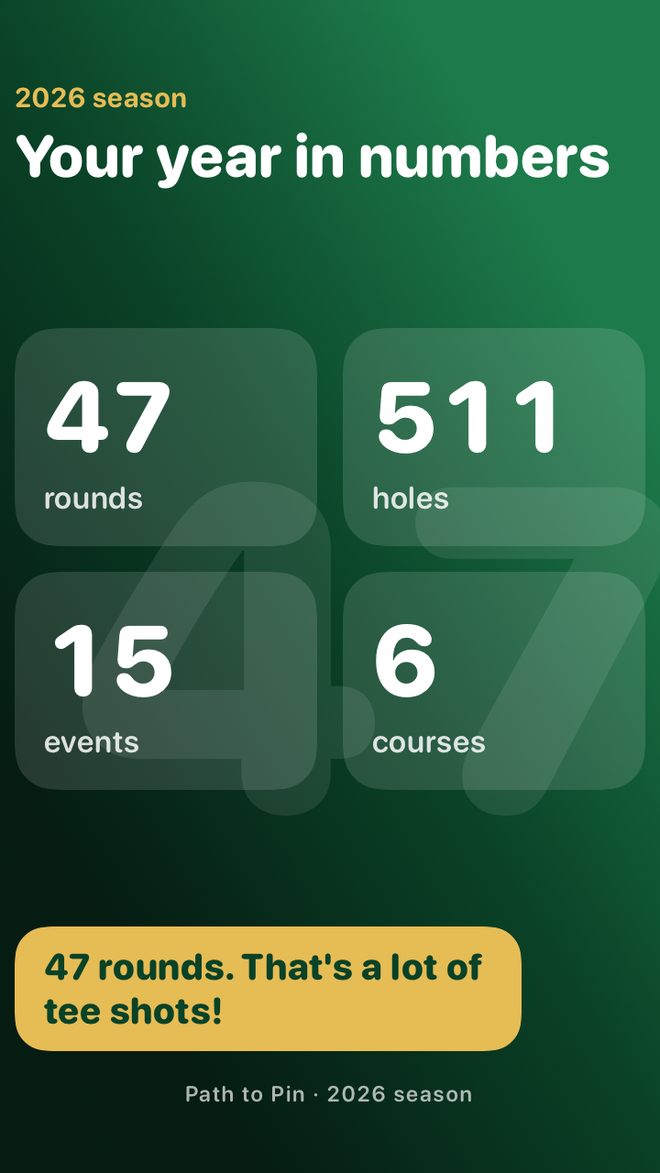
At the end of the year, watch it together: the rounds, the best score, the badges and the places played, with a short clip to share. The full video comes with Path to Pin Plus.

A book of the year, ready to print.
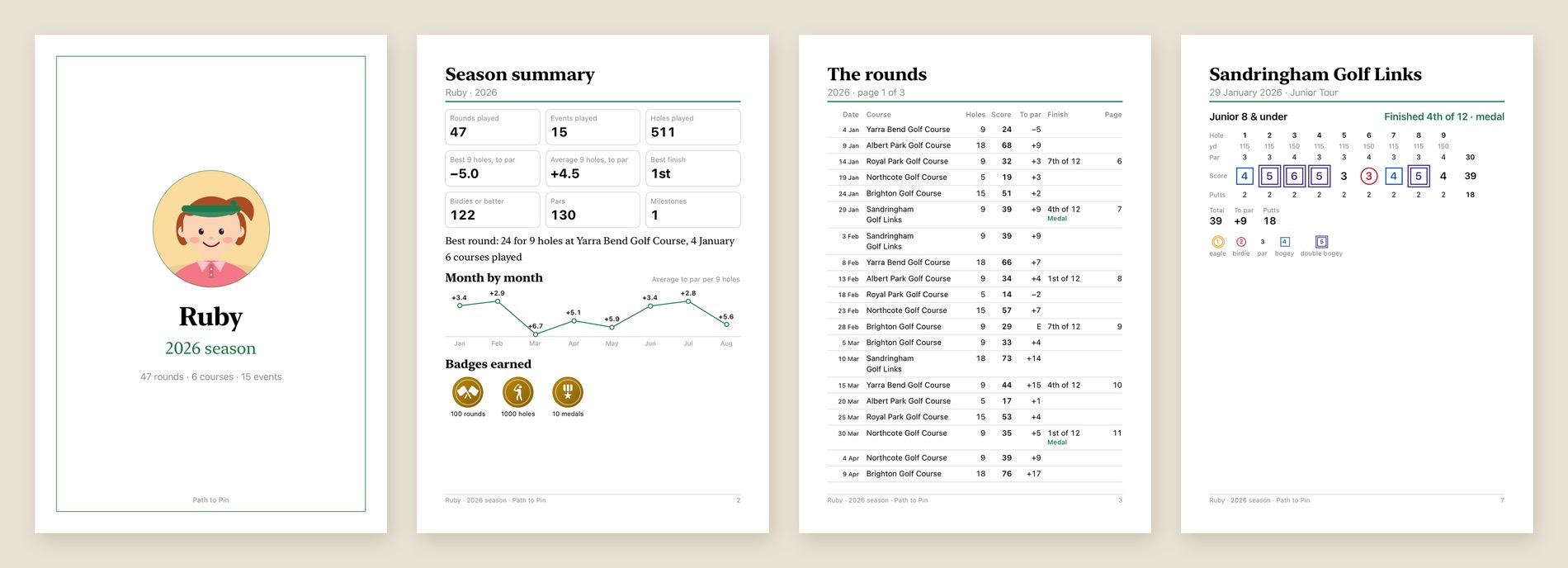
The season summary, every round, every event and the photos you added, on A4 or US Letter. Comes with Path to Pin Plus; preview sample pages for free.
Their diary stays yours.
No account, no ads, no tracking. The diary stays on your iPhone and in your own private iCloud. We can't see your children's names or their rounds.
Free, with one purchase for more.
Pay once and keep it. No subscription.
Free
The whole diary:
- Players, rounds and scoring, with putts and stats
- Brothers, sisters and friends, up to four on one card
- Courses, and tee sets from a scorecard photo
- Badges and milestones
- Progress charts
- Bookings and reminders
- Event results
- iCloud sync and backups
- The Season Story in the app, with a short clip to share
- The Home Screen widget
- The round in progress on the Lock Screen and Apple Watch
Path to Pin Plus
Everything that's free, and:
- The full Season Story video, to save and share
- The printable season book
- Scoring from Apple Watch
- Weather on tee times and played rounds
- The tee-time countdown on the Lock Screen
One purchase. No subscription. Shared with your family through Family Sharing.
Requires iOS 18 or later; the watch app needs watchOS 11. English only for now.
Questions parents ask.
Who is Path to Pin for?
Parents and carers of junior golfers, at any club, in any junior program or event series. The parent keeps the diary; the child gets to see their season grow.
Does it work out a handicap?
No. If your child has a handicap, enter it by hand, and Path to Pin shows net scores. It does not calculate an official handicap index.
Which formats does it score?
Stroke, modified stroke (each hole capped at double par) and Stableford, over 9, 18 or any number of holes, in yards or metres.
Can it keep more than one child?
Yes. Add each child who plays: each has their own page, badges, progress and season, and Home shows them side by side.
Can friends play in the same round?
Yes, up to four on one card. Brothers and sisters each get the round in their own diary. Friends join practice and social rounds as guests: on the card only, never in stats.
Can two parents share it?
The diary syncs across devices on the same Apple Account. A parent on another Apple Account can be sent a backup, and restoring it adds what's missing.